Cards
Below is a collection of beautifull cards for showcasing content
Basic Card 1
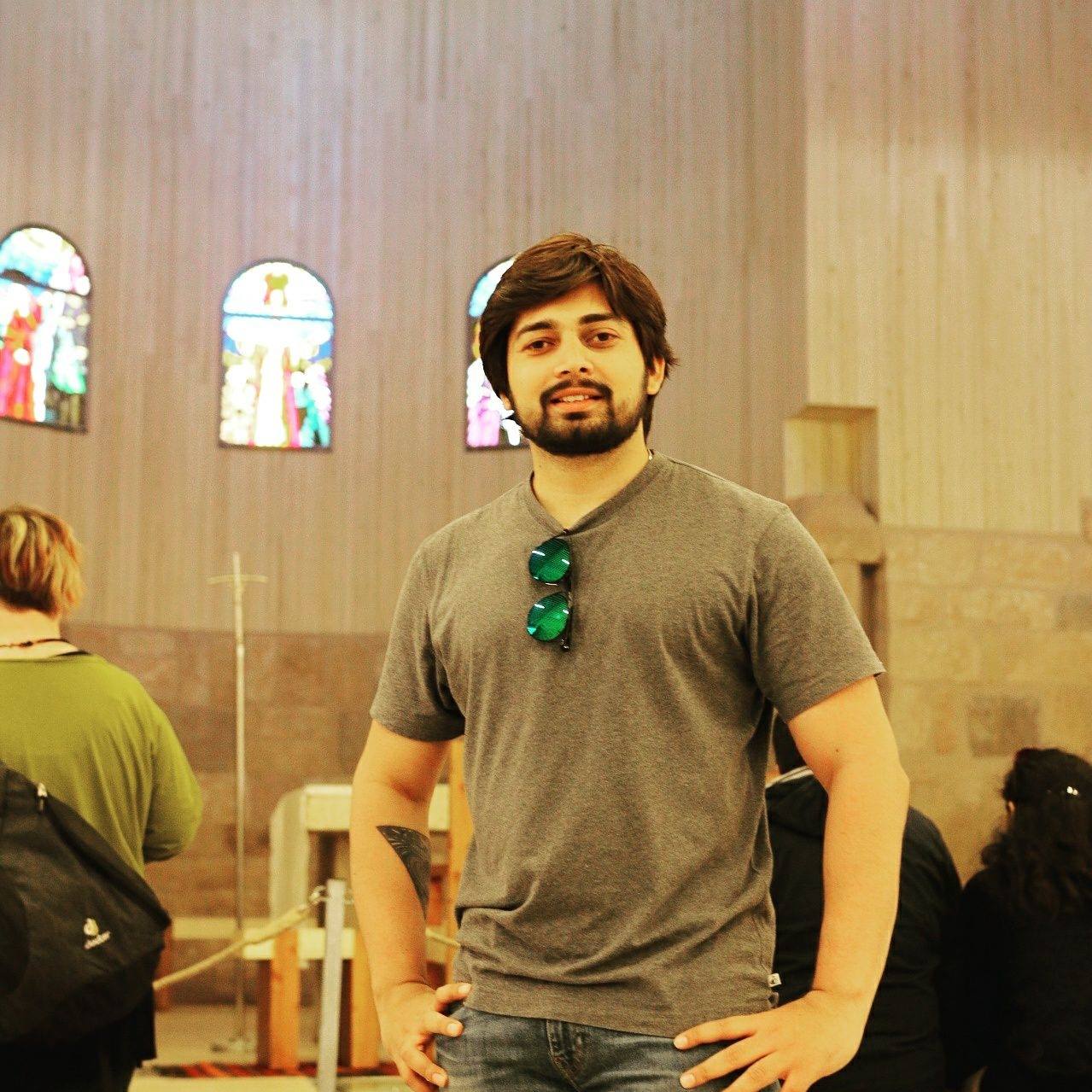
Hitesh Chowdhury
Guru Ji
DESIGN
Chai Aur Code
Hanji to kaisi lagi Pulse UI?
Installation
$ pnpm dlx shadcn@latest add https://pulseui-henna.vercel.app/registry/Card1.jsonProps
| Prop | Type | Required | Description |
|---|---|---|---|
Image | string | false | URL of the image displayed at the top of the card. |
Name | string | false | Name displayed over the image. |
Designation | string | false | Subtitle shown below the name on the image. |
Tag | string | false | Category tag shown in the text section. |
Title | string | false | Main heading in the text section. |
Description | string | false | Body text shown below the title. |
onLike | () => void | false | Callback fired when the heart button is clicked. |
onMessage | () => void | false | Callback fired when the message button is clicked. |
onExternalLink | () => void | false | Callback fired when the external link button is clicked. |
className | string | false | Additional CSS classes to style the card. |
Usage
Card component
1<Card1
2    Image="https://example.com/photo.jpg"
3    Name="Hitesh Chowdhury"
4    Designation="Guru Ji"
5    Tag="DESIGN"
6    Title="Chai Aur Code"
7    Description="Hanji to kaisi lagi Pulse UI?"
8    onLike={() => console.log("liked")}
9    onMessage={() => console.log("message")}
10    onExternalLink={() => window.open("https://chaicode.com")}
11/>